
Local AI Revolution: How Offline Chatbots Are Changing the Future of Technology
Artificial Intelligence is not just confined to cloud servers and web platforms. An emerging new technology dubbed Local AI is enabling users to execute powerful AI models right from their laptops and computers. Using software such as Ollama and LM Studio, one will be able to interact with chatbots and AI helpers even when offline. The rising interest in the technology is due to its benefits in terms of privacy and data security. Offline AI might turn out to be groundbreaking for the way people use AI in their lives.
What is Local AI and Why is it Getting More Popular?
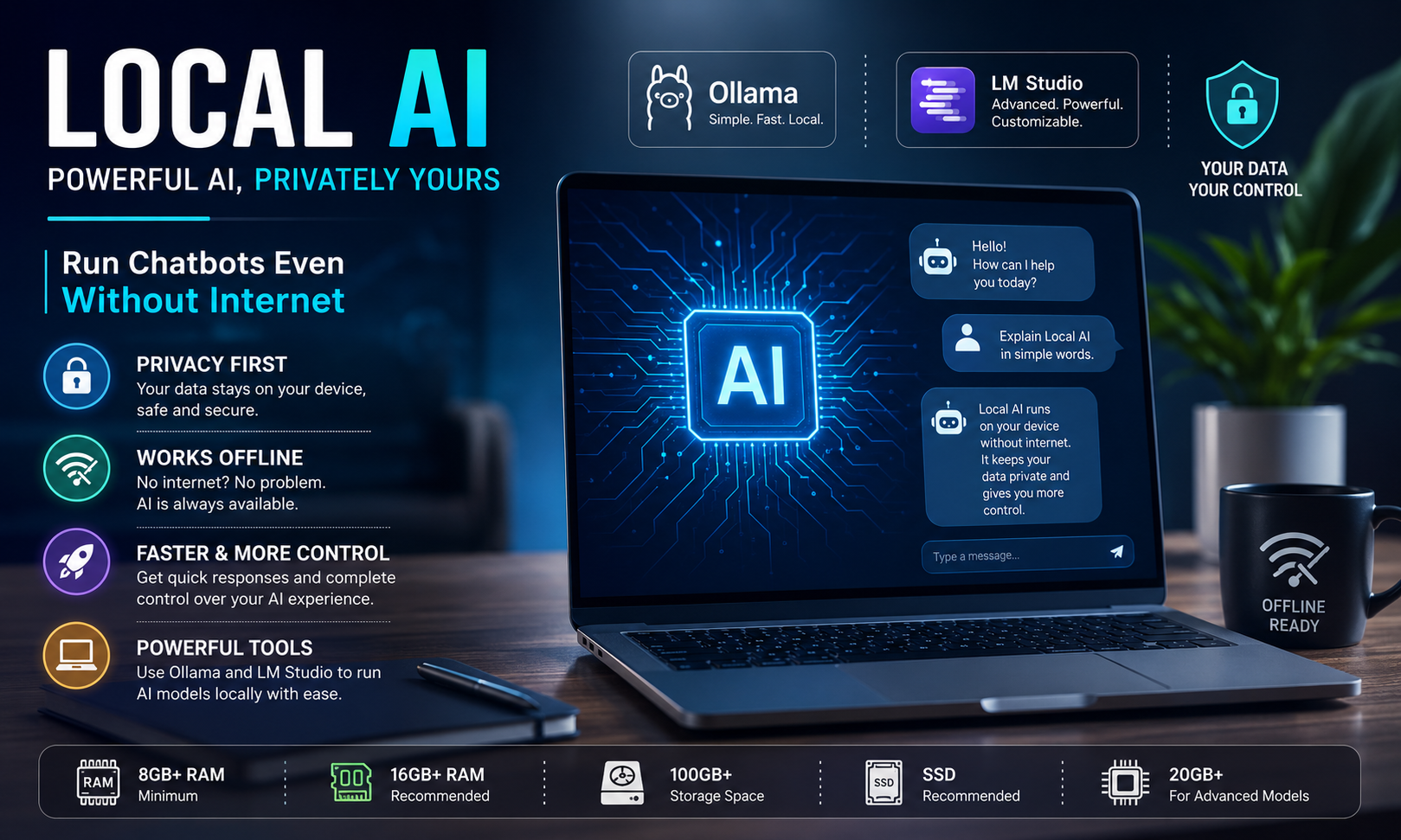
Local AI is the term used for AI models that perform operations on a personal computer of a user and not from cloud-based servers online. Previously, the majority of the AI applications were dependent upon the Internet connection, as all operations occurred online. With the improvement in computing capabilities and optimization, AI applications can now be utilized on personal devices such as computers. The increase in the popularity of Local AI models is attributed to the increasing privacy concerns and data security issues. By using a Local AI model, files, chats, and sensitive information can be stored on personal devices instead of uploading them online. Another factor driving the popularity of Local AI is the ease of use, as the utilization of the application would not require a continuous internet connection. There is also increased interest in businesses and content creators due to improved functionality.
Ollama and LM Studio: The New Tools Powering Offline AI
Ollama and LM Studio provide new ways to access local, offline AI applications from your own PC, without needing much tech know-how. Both tools are quite popular as they help to support the increasing demand for local AI apps at home and work places. Ollama is designed for those who don’t have much experience (beginner) using AI chatbots. For example, Ollama simplifies how people install and operate an AI chatbot, making it ideal for the average user, student, and content creator who want a straightforward way to work with offline AI applications. In contrast to Ollama, LM Studio was designed with the advanced user in mind. LM Studio gives experienced users more options for controlling the performance of their AI and managing their model by providing features to assist them with token tracking, performance monitoring, and model customization, which gives users the ability to use their AI without having to depend on anything in the cloud. These two applications will increasingly make more advanced technology available to all consumers as they continue using AI at home and at work.
How to Run AI on Your Own Computer
If you want to run AI programs on your pc, your laptop will have to have more powerful hardware than an average everyday use computer. There are also a lot of data and calculations that need to be completed to produce AI models, therefore, it will require a large amount of processing power to operate AI models seamlessly. Most Local AIs require at least 8GB RAM, but to achieve optimal performance you should have at least 16GB RAM (especially when you are multitasking as well as for overall speed). Storage is another factor that can affect your performance when using Local AI; some Local AIs require their own hard drive space of at least 20GB. Most people recommend using an SSD instead of an HDD due to the faster read/write speeds associated with SSDs. A good CPU will also offer better performance when running large AI workloads. For example, some experienced users choose to employ discrete video cards to gain additional performance in running large AI applications. Smaller, less complex AI models can run on entry-level PCs, but more advanced AI models require high-end hardware to run.
Today, one of the biggest reasons why Local AI is not being adopted as fast is due to the hardware required to run Local AI, however, as computer technology continues to progress and improve, Local AIs will become increasingly practical and affordable for everyone.
Advantages and Disadvantages of Local AI
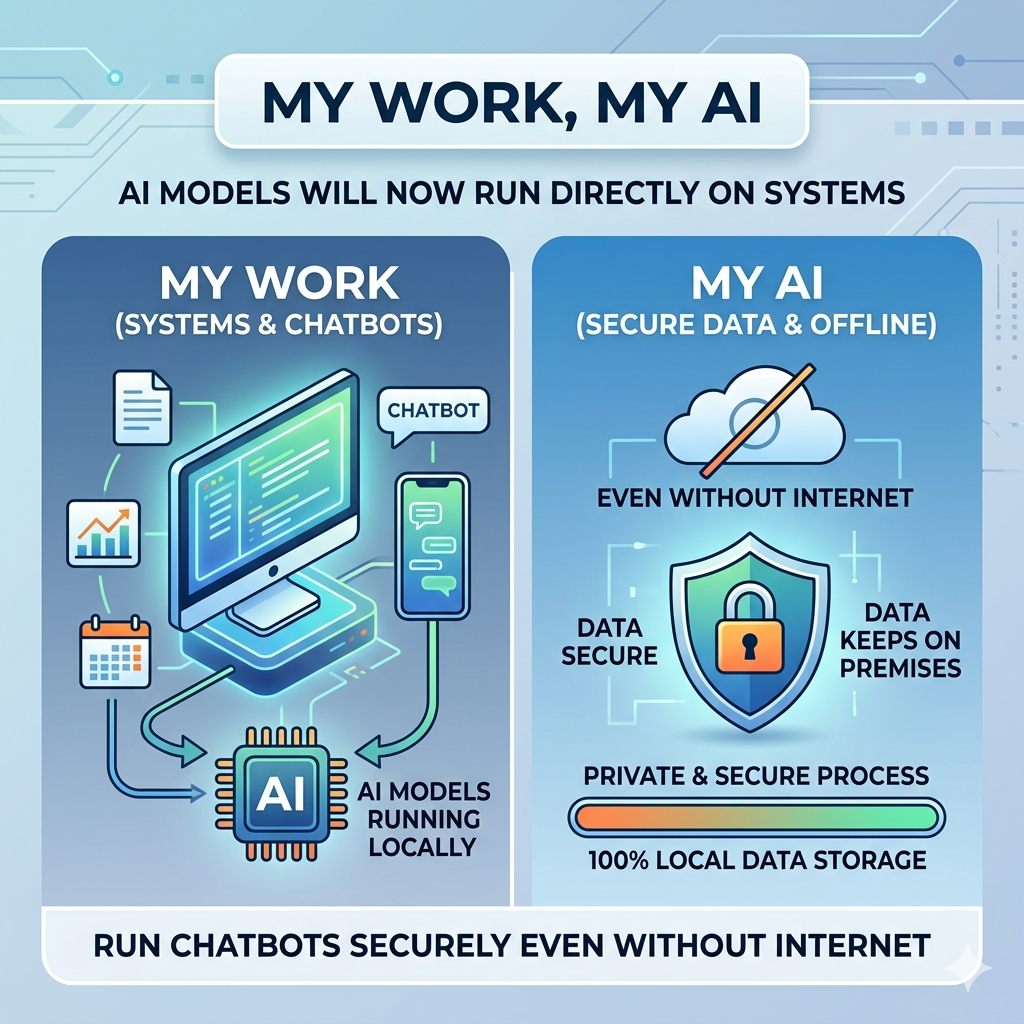
Local AI provides many benefits, including privacy and accessibility. As Local AI runs on the user’s personal device, people will enjoy more privacy regarding their personal data because they can work with the AI tool without transferring their data to the outside. Therefore, Local AI can be a great choice for those who deal with confidential documents in the professional sphere or for businesses that have some cybersecurity concerns. The ability to work with AI tools without an Internet connection represents another great advantage as it increases accessibility. People will be able to use these technologies in any place where there is no access to the Internet. At the same time, Local AI technology still has some disadvantages. Big AI models will take a lot of space on the computer and will consume lots of its energy. Moreover, Local AI models will work worse than cloud solutions in case of very complex tasks.
Conclusion
AI local is rapidly changing the user interaction with AI through the delivery of powerful AI functionalities locally on a device. With new technologies such as Ollama and LM Studio, it has become possible for users to enjoy offline AI with much more privacy and security. While some obstacles may arise in the form of necessary hardware and difficult installation processes, the technology is becoming increasingly viable. In the near future, as computers and AI model become more advanced, Local AI may prove to be an alternative to cloud-based AI applications.